

The SIGNAL Framework
Each product case study follows six steps:1. Situation
What was the problem or opportunity? Set the scene: describe the context, the team, the product, and why this work mattered.2. Insight
What data or research informed your approach? Share user research findings, metrics, competitive analysis, or stakeholder feedback that shaped your thinking.3. Goals
What were the product outcomes you were aiming for? Define the success metrics and objectives you set.4. Navigation
How did you approach the problem? Describe your strategy, the tradeoffs you made or considered, and how you made decisions. This is where your product management skills really shine.5. Achievement
What were the results? Share quantitative and qualitative outcomes. Numbers matter here. Hiring managers love to see measurable impact.6. Learnings
What did you learn? Reflect on what worked, what didn’t, and what you’d do differently. Self-awareness is a superpower in product management.Creating a case study
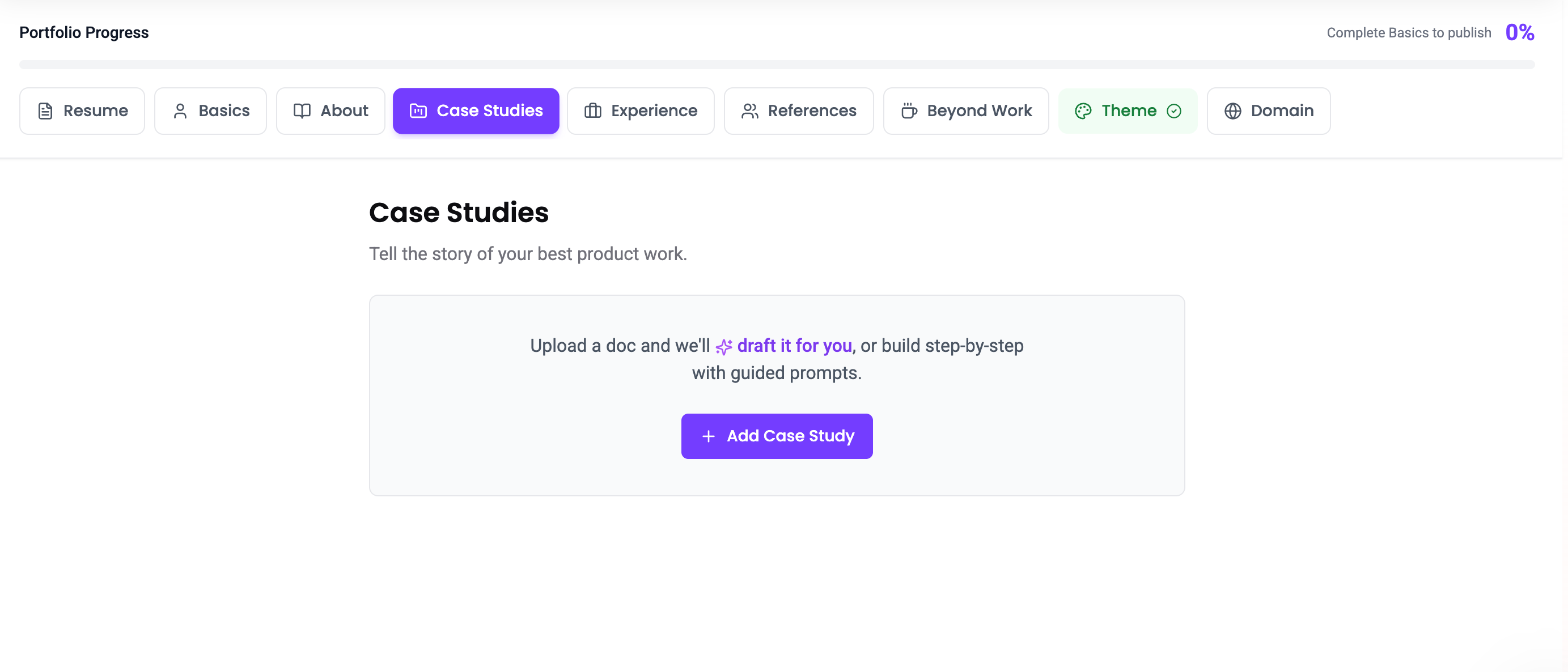
- Go to the Case Studies section in the portfolio builder
- Click Add Case Study
- Choose how you’d like to create your case study:
- Upload Artifacts (Recommended) - Upload your PRDs, research docs, or product artifacts to generate a preliminary draft with AI. This is the fastest way to get started. Read more here →
- Start from Template - Choose from pre-filled examples (Product Launch, Optimization, Research, etc.) and customize them to fit your story.
- Start from Scratch - Build your case study step-by-step using our guided SIGNAL framework. Great if you want full control from the start.
Case study overview fields
Beyond the SIGNAL sections, each product case study has metadata that helps visitors understand the context at a glance:- Title: The name of your case study
- TL;DR: A short summary (up to 200 characters) that appears on case study cards
- Context type: Whether this was a Day Job, Internship, Side Project, Coursework, or Volunteer project
- Status: Mark as Complete or Active (for ongoing work)
- Industry: The industry the work relates to
- Company: The company or organization involved
- Skills & tools: Tags relevant to this specific case study
- Timeline / Role: Your role and the timeframe
Featuring a case study
Click the star icon on any case study to mark it as Featured. Featured case studies appear first on your public portfolio, with a “Featured” pill on the card. Available on all plans.Adding media to SIGNAL sections
Each SIGNAL section supports media attachments to add visual context to your product case study:- Images: Up to 3 per section (PNG, JPG, JPEG, WebP, GIF - max 5 MB each)
- Videos: 1 per section, embedded via URL from YouTube, YouTube Shorts, Loom, Vimeo, or ScreenStudio
Choosing a card cover image
The first image you upload to a case study becomes the cover image that appears on your portfolio’s case study cards by default. If you’d rather feature a different image, click the star icon on any image tile in the builder to mark it as the cover. Only one image per case study can be the cover. If you don’t upload any images, the card falls back to a context-keyed icon based on the case study’s context type.Section word limits
Each SIGNAL section has a recommended word limit to keep your writing focused:
The editor shows a word count indicator as you write.
Limits
- Free and Pro plans: up to 6 case studies per portfolio